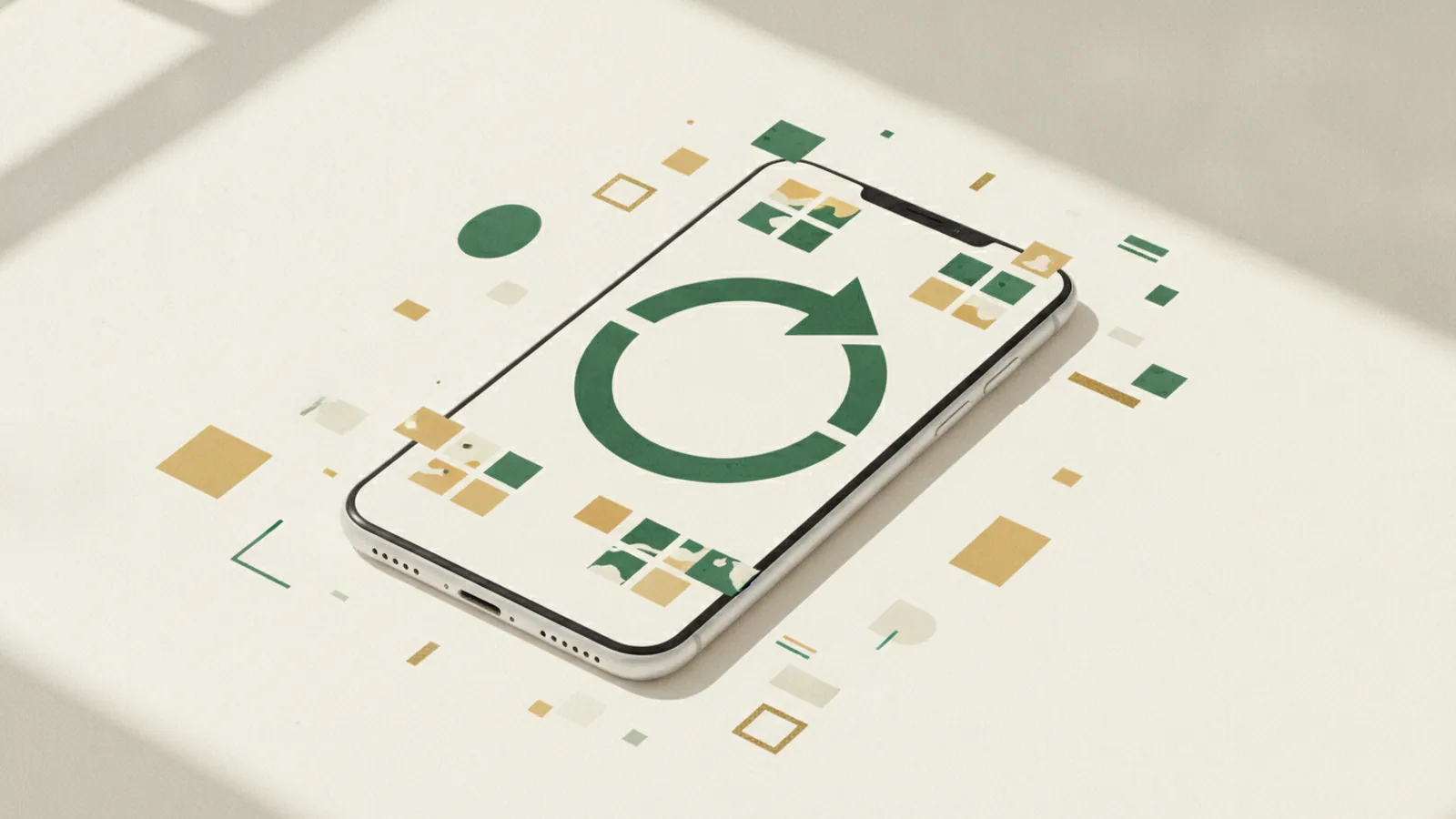
To reset your Instagram algorithm, open your profile, tap the menu, go to Content preferences and choose Reset suggested content, then confirm. In six taps this clears the recommendations you see in Explore, Reels and Feed and starts them fresh. It does not change who you follow, your posts or the ads you see, and it cannot be undone. Here is the full process and how to train better recommendations afterwards.
Can you really reset the Instagram algorithm?
Yes. There is no single "algorithm" to switch off, but Instagram added an official recommendations reset in late 2024 and now rolled out broadly. It wipes the personalisation signals behind the three places where Instagram suggests content you do not already follow: Explore, Reels and the recommended posts in your Feed. After a reset, Instagram relearns your taste from scratch based on what you interact with next.
This is the only official way to "restart" your recommendations. Third-party apps that claim to reset the algorithm for you cannot do this and should be avoided, especially any that ask for your password.
How to reset your Instagram algorithm in six taps
Make sure the app is updated, then:
- Open Instagram and tap your profile picture (bottom right).
- Tap the menu (three lines, top right).
- Open Settings and activity.
- Under "What you see", tap Content preferences.
- Tap Reset suggested content.
- Read the notice, tap Next, then confirm with Reset suggested content again.
The reset takes effect immediately. Instagram also offers, in the same flow, an option to review and unfollow accounts while you are at it, which is useful if old follows are shaping your feed.
What does the reset change, and what stays the same?
The reset only touches recommendations. According to Instagram's announcement:
- Cleared: suggested posts in Feed, Explore recommendations and recommended Reels.
- Unchanged: the accounts you follow and their posts, your own content, your saved posts, and the ads you see.
- Not reversible: once you confirm, you cannot undo it, and recommendations rebuild over time.
Your real network stays intact; only the guesses Instagram makes about strangers' content are wiped.
How do you reset Explore and Reels specifically?
The official reset already covers Explore and Reels together. If you only want to clean them up without a full reset, use these targeted controls:
- "Not interested". On any Explore tile or Reel, tap the three dots and choose Not interested. Repeat it for a few days and the suggestions shift quickly.
- Clear your search history. Profile, menu, Your activity, Recent searches, Clear all. Past searches feed Explore.
- "Interested". On Reels you can also tap Interested to get more of a style you like, which trains the system in the other direction.
How long until your feed actually improves?
The clear-out is instant, but a genuinely better feed takes a few days of new signals. In practice, expect better feed within about 3 to 7 days, depending on how much you use the app and how consistently you interact with the content you actually want.
How do you train a better algorithm after the reset?
A reset only gives you a blank starting point. What you do next decides the result:
- Follow and engage intentionally. Like, save and comment on the exact topics you want more of. Saves and shares are strong signals in 2026.
- Finish Reels you enjoy. Watch time per Reel tells Instagram what to show next; swiping away fast does the opposite.
- Use "Not interested" freely on anything off-topic in the first days, while the system is most sensitive.
- Search and open the right accounts early, because recent searches shape Explore.
- Be consistent for a week. Inconsistent signals produce an inconsistent feed.
Does resetting hurt your reach or lose followers?
No. The reset changes what you are recommended, not how your own posts are distributed, and it does not remove followers. If you are a creator, your audience, insights and reach are untouched. The only thing you "lose" is the old personalisation of your own recommendations, which is exactly what you want.
When is it worth resetting?
Reset when your feed no longer matches you: after a phase of doom-scrolling a topic you have moved on from, when Explore fills with content you find draining, or when you want to pivot your interests (say, from one niche to another) for research or inspiration. If your feed is broadly fine, the targeted "Not interested" taps are enough.
Growing your own account after a fresh start
Resetting your feed is about what you consume. Growing what you publish is a separate effort: it comes from posting consistently and earning real saves, shares and comments. A clean, active profile also makes a stronger first impression on new visitors.
Some creators give a new post an early boost of social proof. If that is your choice, our Instagram likes and Instagram followers need only your post or profile link, never your password. Processing starts shortly after payment, payment is secure and a 90-day refill guarantee is included. Note that this adds visible signals, not genuine engagement or sales, and it works only alongside content people actually want to see.
Sources
- Meta Newsroom, Reshape Your Instagram With a Recommendations Reset (official feature and what it changes).
- Later, How the Instagram algorithm works in 2026 (ranking signals: watch time, saves, shares).
FAQ
How do I reset my Instagram algorithm?
Go to your profile, tap the menu, open Settings and activity, tap Content preferences, then Reset suggested content and confirm. It clears Explore, Reels and Feed recommendations immediately.
Does resetting the Instagram algorithm unfollow people?
No. The reset only clears recommended content. Your followers and the accounts you follow stay the same, though the same flow offers an optional step to review and unfollow accounts.
How long does it take for the Instagram algorithm to reset?
The clear-out is instant, but a noticeably better feed usually takes about 3 to 7 days of new interactions across Explore, Reels and Feed.
Can I undo an Instagram recommendations reset?
No. Once you confirm, it cannot be undone. Recommendations rebuild gradually from the content and accounts you engage with afterwards.
Will a reset change the ads I see?
No. Instagram states the reset does not change the ads you see. It only affects organic recommendations in Explore, Reels and Feed.
Do apps that reset the Instagram algorithm work?
No. Only Instagram’s built-in reset can clear your recommendations. Avoid third-party apps that claim to do it, especially any asking for your password.